Your week scheduled in one sitting.
Put every account on one calendar, queue a week of posts at once, and share the plan with clients by link.
7-day free trial · $0 due today · cancel anytime


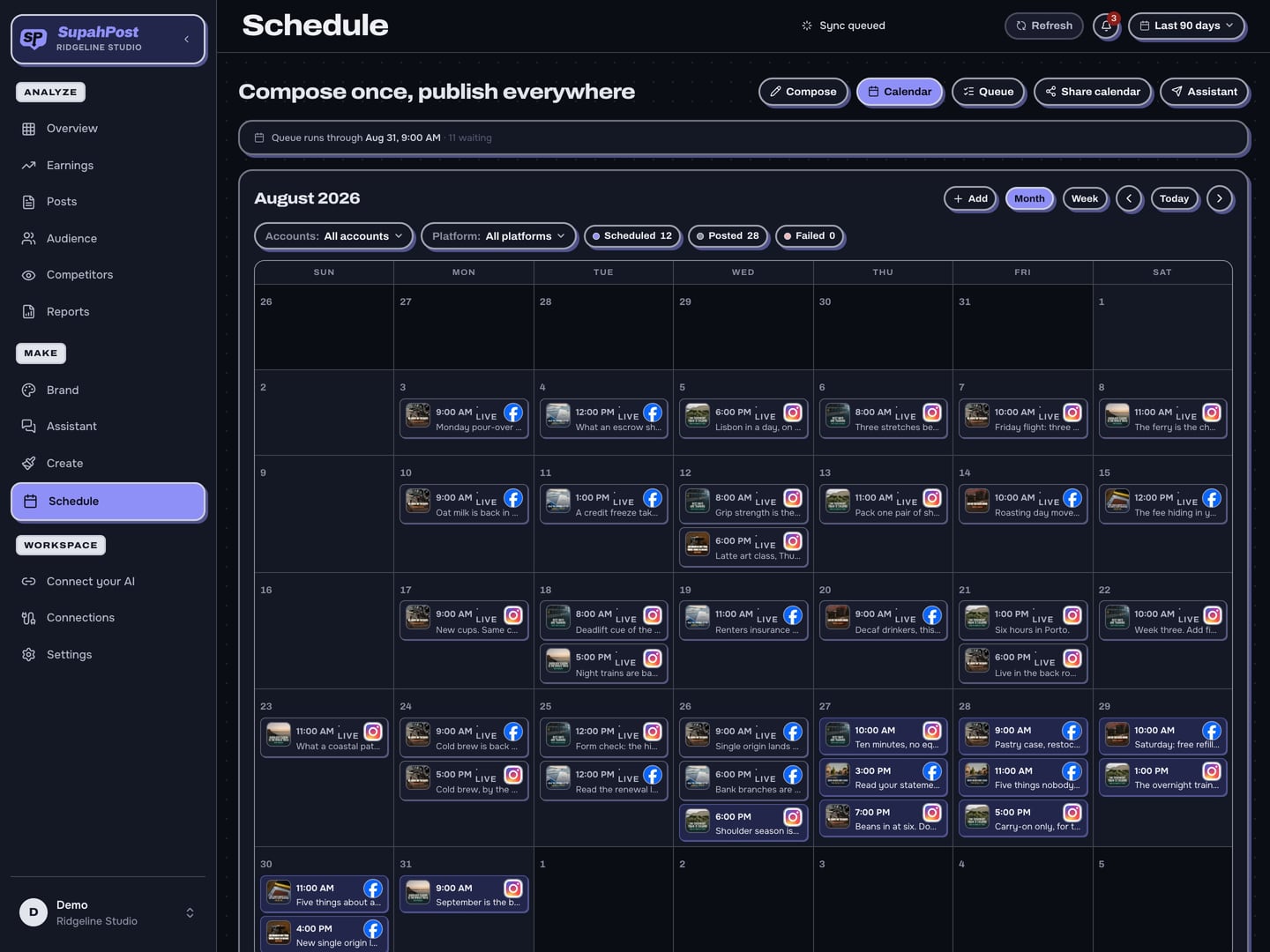
One calendar for every account.
See the whole week across every page and platform. Drag a post to move it.
- Facebook, Instagram, TikTok, YouTube and X
- Unlimited scheduled posts on every plan
One post, the right version everywhere.
Write a different caption for each platform and schedule the first comment with it. Each platform's rules are checked before anything is queued.
Roast day has moved. Fresh bags land every Tuesday now, so come by early.
First comment: Pre-orders open Monday night.
Posted when your audience is there.
Posting times come from how each account's own posts have done, not from a generic chart.
Best times, from your own posts
Sign-off without the back-and-forth.
Send a post for approval and it waits until someone says yes. Keep it simple or leave it off entirely.
Thursday gig poster
Sent by Sam, waiting for sign-off
If a post is rejected, you'll know why.
You get the platform's actual reason in plain words, so you can fix it and send it again.
Scheduling, answered.
Which platforms can I schedule to?
Facebook, Instagram, TikTok, YouTube and X.
Is there a limit on scheduled posts?
No. Unlimited scheduled posts on every plan.
Can a client see the calendar without an account?
Yes. Share a calendar link. They open it in a browser and can leave comments, with no login.
Can a client comment stop a post going out?
No. Comments on a shared calendar are feedback for you. You decide what changes.
What happens if a platform rejects a post?
You see the platform's reason in plain words, fix it, and send it again.